Verizon Orbic Speed - View Connected Devices
Here's how to view info for devices connected to your Orbic Speed.
To view info for devices connected to your Orbic® Speed™, follow these steps.
View via Device
- Press thePower buttonto turn on the display.
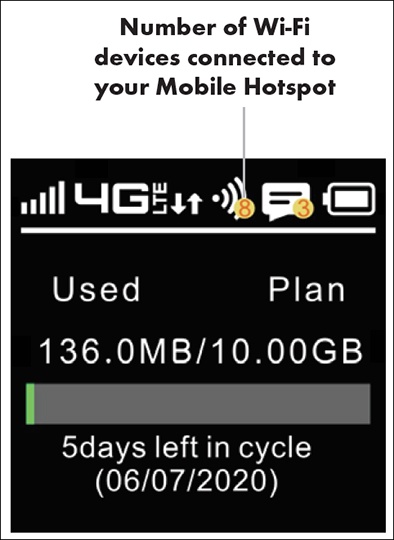
- View the number of connected devices (located on the top; e.g., 8.)
View via Admin Web Interface
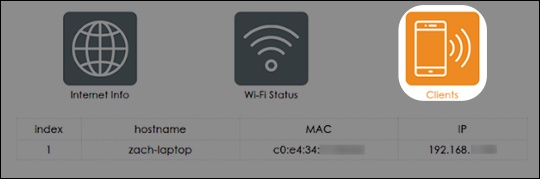
- From the 'Clients' section, view the following info (if available):
- Hostname
- MAC address
- IP address