Verizon Orbic Speed - View Phone Number
Here's how to view the phone number for your Orbic Speed.
Via Device
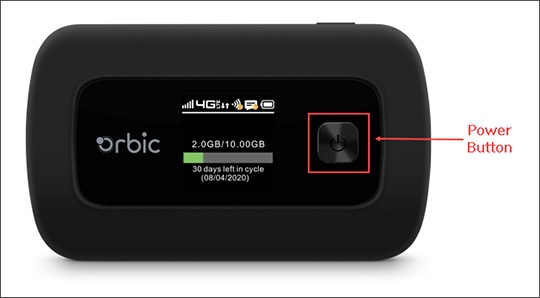
- Press thePower buttonto turn on the display on your Verizon Orbic® Speed™
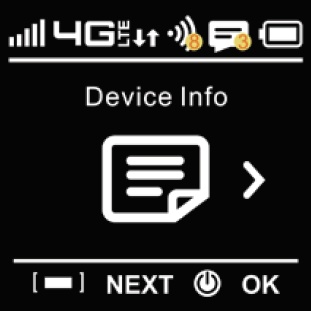
- Press theMenu button(top edge; on the right) then press thePower buttonto access the 'Device Info' section.
- Press theMenu buttonto view the MDN.
Via Admin Web Interface
- Access the Admin Web Interface.
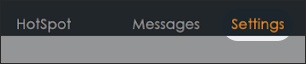
- From the top menu, clickSettings.
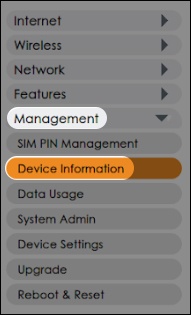
- From the left menu, click .
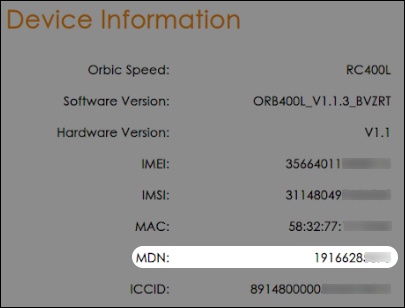
- From the 'Device Information' section, view the MDN (phone number).