Arris NVG558 Router - Cellular Settings / APN Management
Here's how to configure cellular settings on your NVG558 router.
The Arris router is used for LTE Business Internet and 5G Business Internet (Installed) Solutions.
- Sign in to the Admin WebGUI.You must be connected to the network to access the admin page.
- Do one of the following:
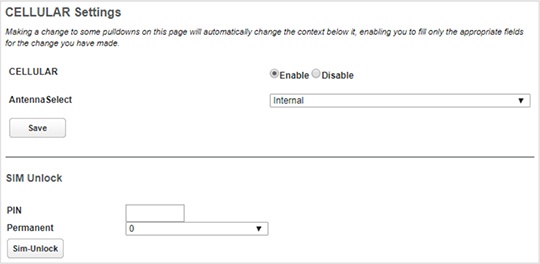
- To view cellular settings, click theCellular Settingslink under the Cellular tab.
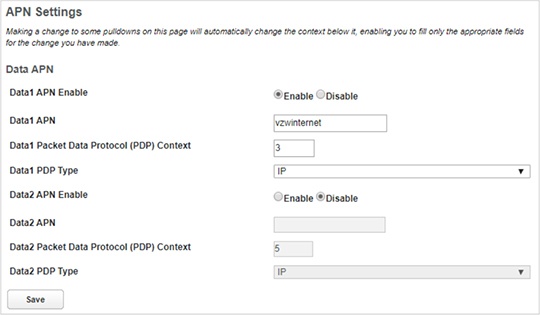
- To view APN Settings, click theAPN Managementlink under the Cellular tab.