Fossil Gen 5 LTE Smartwatch - View Signal Strength
Here's how to view signal strength on the Fossil Gen 5 LTE Smartwatch.
Ensure the software on your Fossil Gen 5 LTE Smartwatch is up to date as the steps below apply to the most recent version.
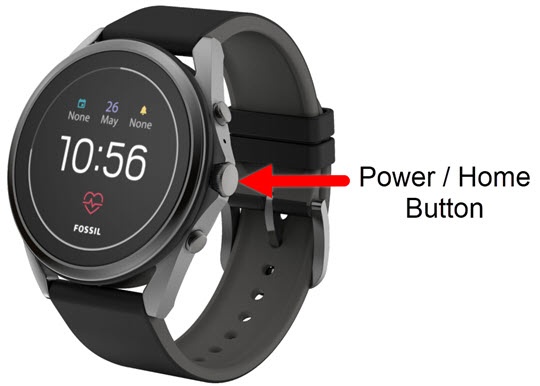
- From the watch screen, press thePower / Home buttonto open the apps screen.
- Tap theSettings icon
.
- TapConnectivity.
- TapMobile.
- TapSIM status.
- View the Signal strength and Network type.For more info, refer to My Verizon Diagnostics Network Values for Signal Strength. The RSSI definitions shouldn't be shared with the customer.
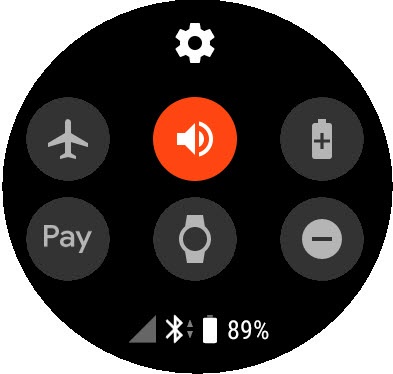
- From the watch screen, swipe down from the top to display the status panel.
- View the signal bar indicator (lower-left)
.