Smart Wrist by Orbic - Access Notification Panel
Here's how to view and dismiss notifications for your Smart Wrist.
Ensure the software on your Smart Wrist™ by Orbic® is up to date as the steps below apply to the most recent version.
- From the watch screen, swipe up to browse and manage notifications.
- Do any of the following:
- Swipe left or right to dismiss the notification.
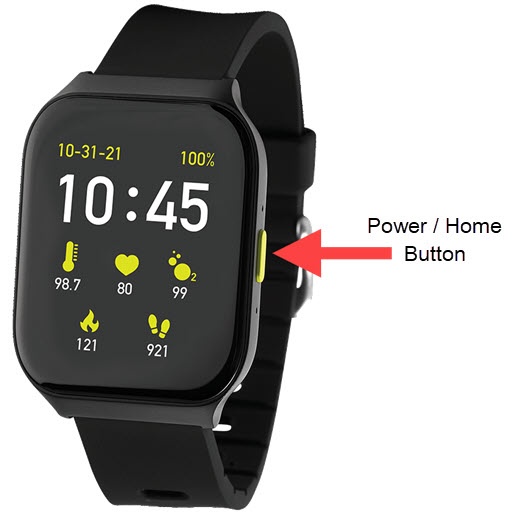
- Tap a notification to view.If available, tap the desired smart reply on the screen to respond.When finished, tap thePower / Home buttonto return to the previous screen.