Smart Wrist by Orbic - Stop Running Apps
Here's how to stop a running app, which helps if it causes your Smart Wrist to freeze, crash, reset or run slowly.
Ensure the software on your Smart Wrist™ by Orbic® is up to date as the steps below apply to the most recent version.
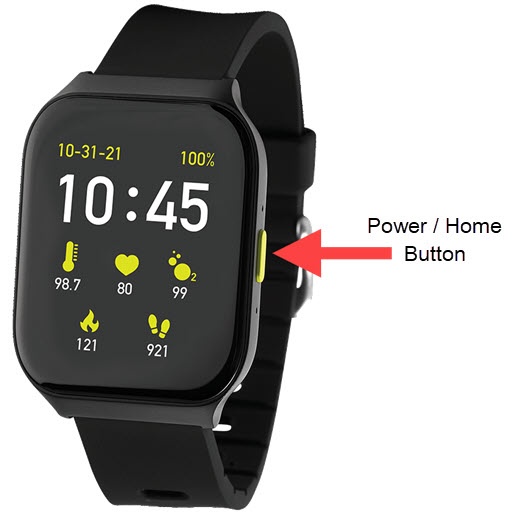
- From the watch screen, press thePower / Home buttonto open the apps screen.
- Tap theSettings icon
.
- TapApps Manager.
- Locate then select the appropriate app.
- TapForce stop.