Arlo Go 2 LTE Security Camera - LED Status Indicators
View this info for explanations of status LEDs on your Arlo Go 2 security camera.
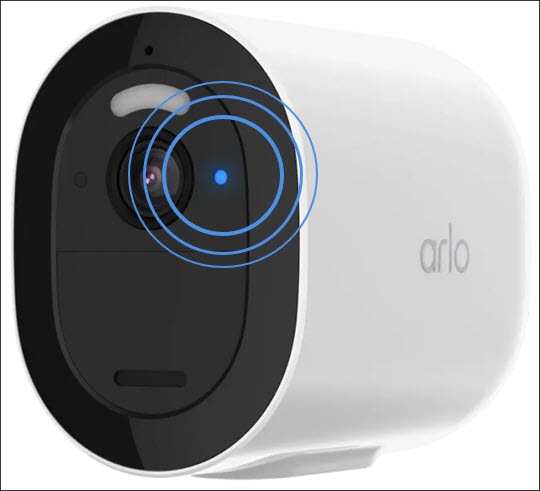
 | Solid blue : The camera is registered and is connected to the mobile network. |
 | Very slow blinking blue : The camera is powering on. |
| Slow blinking blue : The camera is attempting to connect to a Wi-Fi network. During setup, the camera is ready to scan the QR code. |
| Blinking blue : The camera is scanning the QR code. |
| Fast blinking blue : The camera is establishing a connection to a Wi-Fi or mobile network. During charging, blinking for three seconds indicates that charging started and blinking for two seconds indicates that charging is complete. |
 | Solid amber: No SIM card is inserted or the SIM card is damaged. During a sync, the battery charge is low. During the motion detection test, motion is detected. |
 | Blinking amber : Mobile network coverage is not available. |
| Slow blinking amber : The battery level is low. |
| Double blinking amber : The battery level is so low that it is critical. |
| Single blink amber followed by restart: The camera has been factory reset. |
 | Blinking blue and amber: The camera is receiving a firmware upgrade. |
| Fast blinking amber : The camera did not connect to the Wi-Fi or cellular network. During a QR code scan, the scan failed. During battery charging, the charge failed. |