Verizon Router LED Status Indicators
Verizon Router
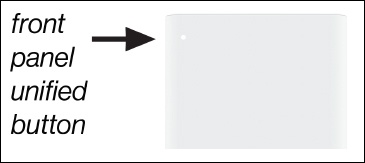
LED Status IndicatorsThe LED lights on your Verizon Router indicate its power or connection status. A quick glance shows whether it's working properly or needs attention.
Steps
- Review the following chart:LED Status IndicatorsFunctionStatusLED PatternNormalNormal operationSolid WhitePairing modeSlow Blink BluePairing successfulFast Blink BlueWi-Fi disable by userSolid GreenIssue(s)No InternetSolid YellowHardware/System failure detectedSolid YellowSystem update errorFast Blink RedOverheatingWPS pairing failure