Airspeed Mobile Hotspot - Configure Broadcast Settings
Fine-tune the broadcast settings on your Airspeed Mobile Hotspot to optimize device connectivity and performance. This can help if you're having issues connecting to Wi-Fi.
If you are experiencing connectivity issues with your Airspeed Mobile Hotspot or your device isn't found, check out the steps below.
To avoid interference with other Wi-Fi networks, try using non-overlapping channels (i.e., 1, 6, or 11).
- Access the Admin Web Interface.
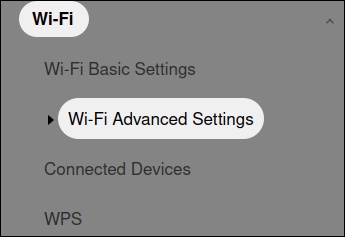
- From the left menu, click .
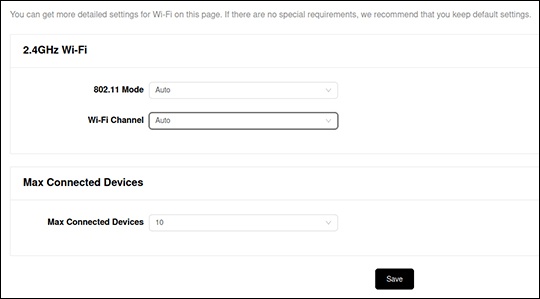
- From either the '2.4GHz Wi-Fi' or '5GHz Wi-Fi' section, adjust the Wi-Fi Channel as desired then clickSave.
- Auto (default setting) is recommended.
- Select an alternate channel (e.g., 1-11).