Airspeed Mobile Hotspot - Manage MAC Filter Settings
To control MAC address access for your Airspeed Mobile Hotspot, view this info.
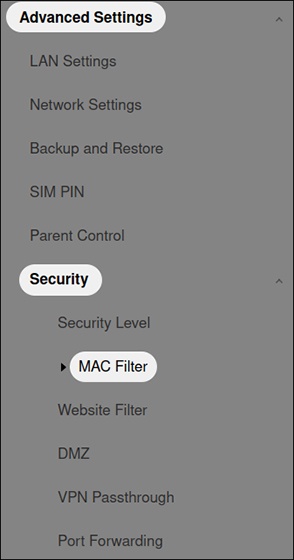
- Access the Admin Web Interface for your Airspeed Mobile Hotspot.
- From the left menu, click .
- Select one of the following options:
- Blacklist (Block all devices in list)
- Whitelist (Allow only devices in list)
- After selecting an option above, clickAdd New Rule, enter the MAC address then clickOK.