Airspeed Mobile Hotspot - Port Forwarding
Here's how to open blocked ports on your Airspeed Mobile Hotspot to allow additional access.
- Changing advanced settings may be harmful to the stability, performance and security of your Airspeed Mobile Hotspot. Contact your local IT administrator prior to altering any of these settings.
- Port Forwarding is an advanced setting. For additional assistance, contact your IT support. To obtain settings, contact the app manufacturer.
- Access the Admin Web Interface.
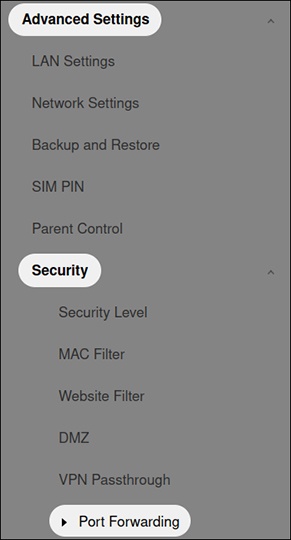
- From the left menu, click .
- ClickAdd New Rule, configure as desired then clickSave.