Orbic AirSurf 5G - Device Lock
Here's how to lock / unlock your AirSurf 5G laptop.
Here's info on how to lock or unlock your Orbic® AirSurf 5G™
Lock Device
- Perform either of the following:
- From the Home screen:
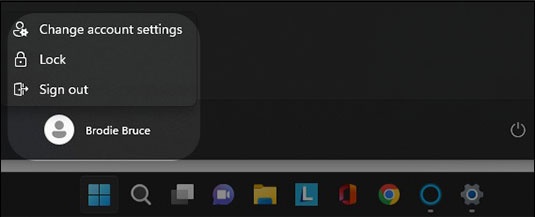
- From the Windows desktop, tap or clickStart
.
- Tap or click theUser icon.
- Tap or clickLock.
- If using a keyboard do one of the following:
- PressCtrl+alt+deletethen selectLock.
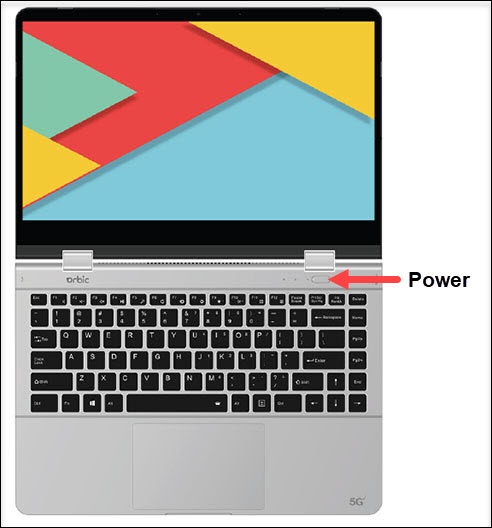
- Press thePower Key.
Unlock Device
- Press thePower button(upper-right of the keyboard).
- If necessary, select the appropriate user account then perform one of the following:
- Enter the password.
- Enter the PIN.