Orbic Speed 5G - View Data Usage
Here's how to view your data usage on your Orbic Speed 5G.
Via Device
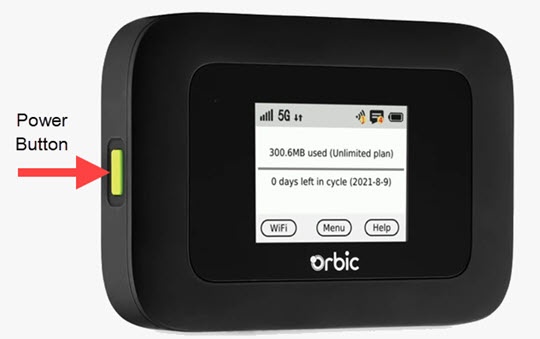
- Press thePower buttonon your Verizon Orbic® Speed 5G™ to turn on the display.
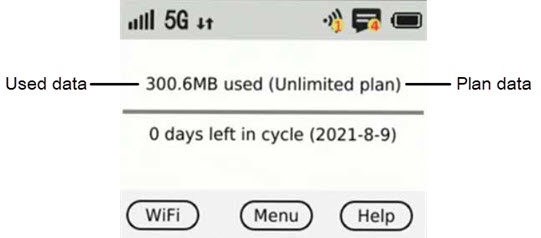
- View the data usage from the Home screen:
Via Admin Web Interface
- Access the Admin Web Interface.
- From the top menu, clickConfiguration.
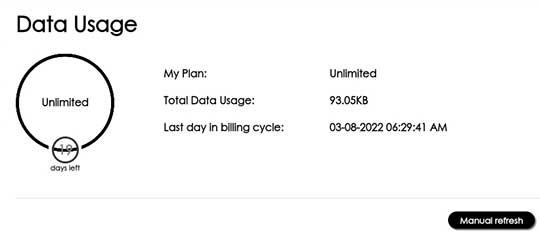
- From the left menu, tapData Usage.
- View the data usage.ClickManual refreshto get the most up to date usage details.