Verizon Receiver (LV65) View LED Status Indicators
Verizon Receiver (LV65)
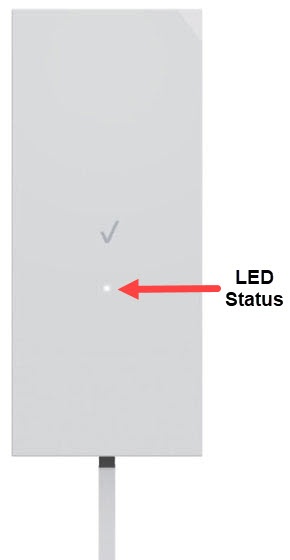
View LED Status IndicatorsThe LED lights on your Verizon Receiver (LV65) indicate its power or connection status. A quick glance shows whether it's working properly or needs attention.
Receiver LED Definition
- Locate the LED indicator on the front of the device then review the following chart:LED Status IndicatorsFunctionStatusLED PatternNormalBoot upBlink WhiteUnpaired modeBlink BluePairing successfulSolid BlueIssue(s)No 5G SignalSolid Red5G Signal confirmedSolid WhiteFW ErrorSlow RedHardware/System failure detectedSolid YellowOtherFW UpdateBlink White
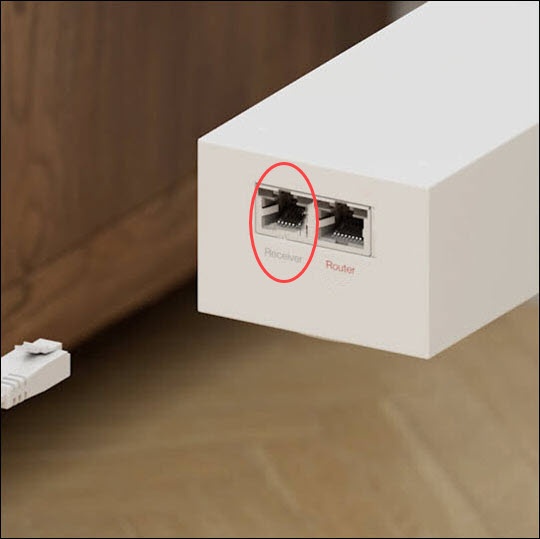
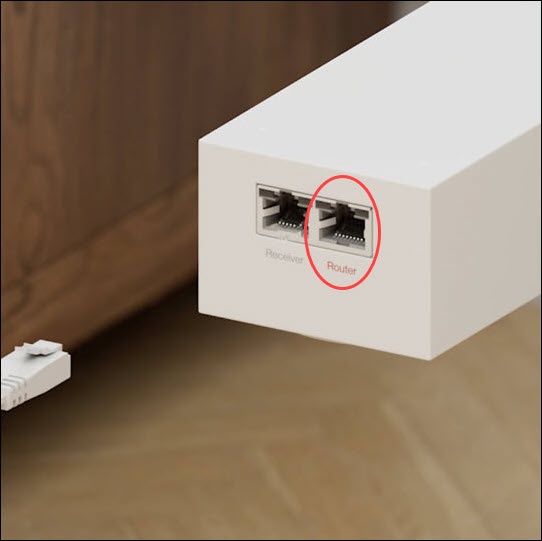
Power adapter LED Definition
- Review the following chart:LED Status IndicatorsFunctionStatusRouter LED PatternReceiver LED PatternAC power connectedWhite--Receiver connected--WhiteNo AC power connectionOffOffNo Receiver connection--Off