Gizmo Watch 3 - View Software Version
Here's how to view signal strength on your Gizmo Watch 3.
If you need to view the version of software your child's Gizmo Watch 3 is running, follow these step-by-step instructions.
Check the Software Updates page to see if your device's most recent software version is listed.
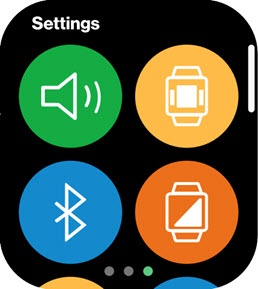
- Swipe left or right from the main screen to access the 'Settings' screen.
- Swipe up then tap theInfo icon
.
- Swipe up to view the Software Version.