Verizon Internet Gateway Optimize 5G Signal Strength via Verizon Home app
Verizon Internet Gateway
Optimize 5G Signal Strength via Verizon Home appUse the Gateway 5G Optimizer in the Verizon Home app to find the spot in your home with the strongest 5G signal. This could improve your internet speeds and stability.
Before you begin
Use the
Verizon Home app
on your mobile phone for this process.Keep your Gateway plugged in for the initial test. You will need to unplug it to move it later.
Steps
- Open the Verizon Home app, tapEquipmentin the top left, then select yourVerizon Internet Gateway.
- From the Gateway Details screen, tapGateway 5G Optimizer.
- TapTest 5G signalto check the strength at your current location.
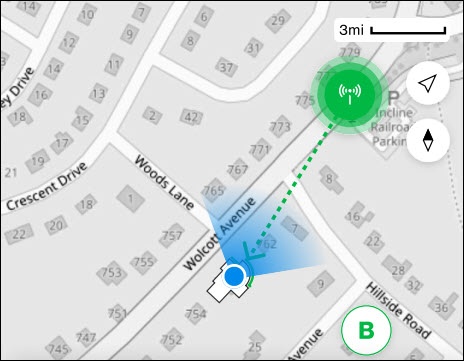
- Use the onscreen5G tower mapto see the direction of your closest tower.
- Unplug your Gateway and move it to a window or wall facing the tower.For the best results, place the Gateway on a higher floor and avoid cabinets or metal obstructions.
- Plug the Gateway in at the new spot and wait for the status light to turn solid white.
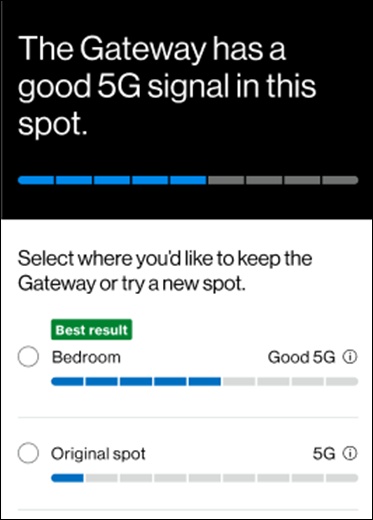
- In the app, tapTry new spot.
- Compare the results. If the new signal is stronger, tapContinueto finish.