Insert / Remove Battery - Verizon Jetpack 4G LTE Mobile Hotspot MiFi 4620L
Here's how to insert / remove the battery on your MiFi 4620L.
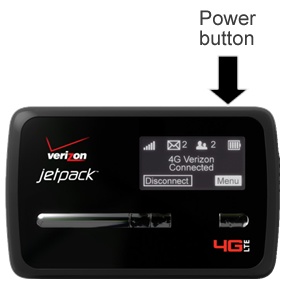
- Ensure your Verizon Jetpack® 4G LTE Mobile Hotspot MiFi® 4620L is powered off.Press and hold the Power button until 'MiFi Powering Off' appears on the display then release.
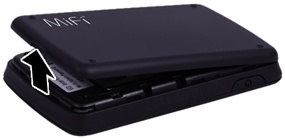
- Remove the battery cover.Utilizing the provided slot, carefully lift then detach the cover.
- Do one of the following:
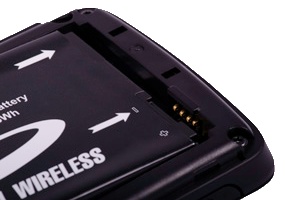
- Insert batteryEnsure that the connectors on the battery align with the connectors on the device.
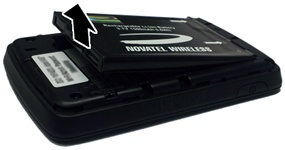
- Remove batteryUtilizing the notch, lift then remove the battery as shown.
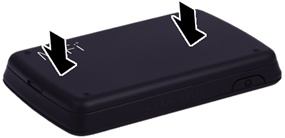
- Replace the battery cover.
- Press in on the cover to lock it into place.