DMZ Settings - Verizon Jetpack® 4G LTE Mobile Hotspot MiFi® 4620L
To test your Verizon Jetpack - MiFi 4620L firewall settings, view this info.
Demilitarized Zone / Data Management Zone (DMZ) is an advanced feature. For additional assistance, contact IT support. To obtain settings, contact the app manufacturer.
- Access the Admin Web Interface.
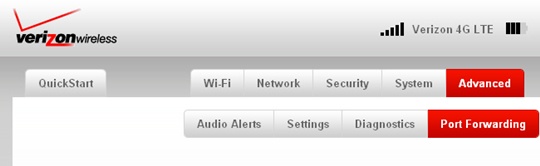
- From the Advanced tab, clickPort Forwarding.
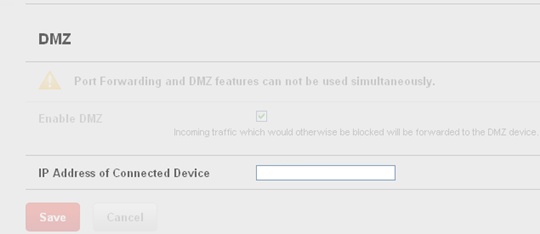
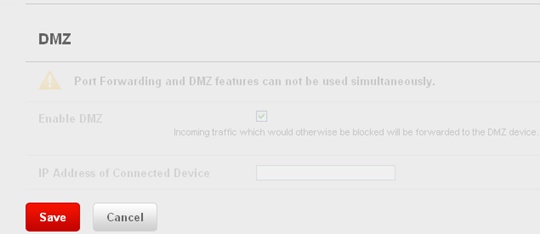
- From the DMZ section, selectEnable DMZ.Enabled when a check mark is present.
- Enter the IP address for the device.If disabling DMZ, skip to step 5.
- ClickSave.