Session status messages
Session Status

Due to inactivity, your session will end in approximately 2 minutes. Extend your session by clicking OK below.

Due to inactivity, your session has expired. Please sign in again to continue.

Delete Messages - Verizon Jetpack ® 4G LTE Mobile Hotspot MiFi ® 4620L

2026-10-04 14:36:10.221

Delete Messages - Verizon Jetpack® 4G LTE Mobile Hotspot MiFi® 4620L

To delete texts for the Verizon Jetpack - MiFi 4620L via the Admin page, see this info.
To delete text messages via the Admin page, view this info. Text messages can't be deleted from the device itself.
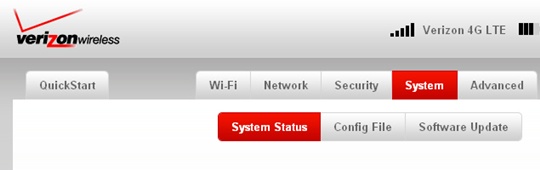
  1. From the System tab, click
    System Status
    .
    System tab with System Status
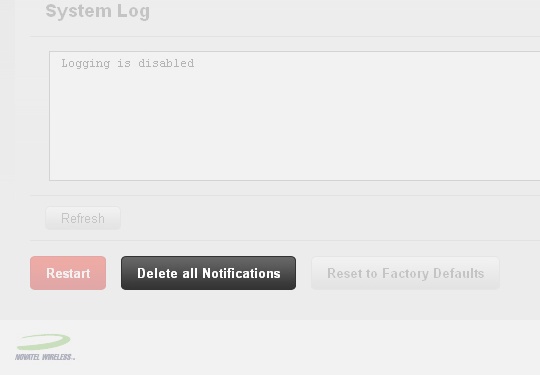
  2. Click
    Delete all Notifications
    (located at the bottom).
    System Status screen with Delete all Notifications
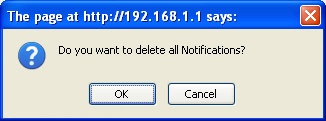
  3. Click
    OK
    .
    Confirmation prompt with OK