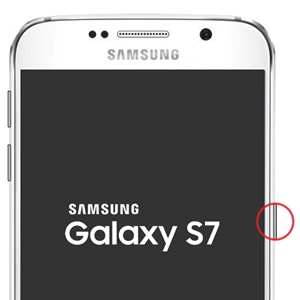
Samsung Galaxy S7 / S7 edge - Unlock Screen
Here's how to unlock the screen on your Galaxy S7 / S7 edge.
If you've set up a lock option to unlock your screen and can't remember it, refer to Shutdown Prevention - Nougat 7.0 and higher (Samsung) for what to do.
- Press thePower button.
- Depending upon the screen lock type, perform one of the following:
- Swipe the up from the bottom of the display.
- Draw the current unlock pattern.
- Enter the current PIN or password.
- Touch the fingerprint sensor (Home button).