Admin Add User - Verizon MDM (BuSS)
Here's how an admin can add a user account for the Verizon MDM (BuSS).
- Verizon MDM content displayed and the ability to modify or update content may vary based on policy, role, or permissions.
- Due to a number of features that require HTML5, Verizon MDM requires Internet Explorer Version 10 and above to work efficiently.
- The customer must be enrolled in Verizon MDM to view these options.
- From the Home screen, navigate: (top navigation bar).
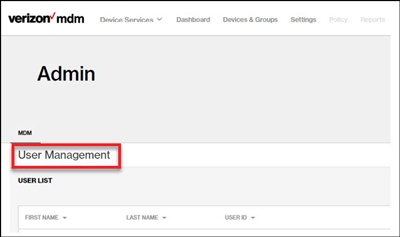
- ClickUsers Management(lower-left).
- Click the preferred user to edit any of the following:
- From the Profile:
- First Name
- Last Name
- User ID
- Email
- Password
- From Group Membership, edit Group assignments.
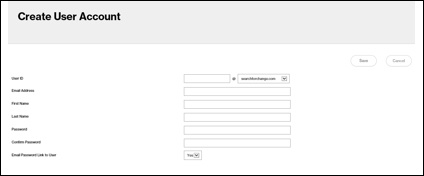
- To add a user click theAdd New User button(on the right).User must be created in My Biz before they can be added in MDM.
- From Devices & Groups, clickUsers, enter the user's info then clickSave(upper-right).