Schedule Diagnostics - Verizon MDM (BuSS)
Here's how to schedule device diagnostics for Verizon MDM (BuSS).
- Verizon MDM content displayed and the ability to modify or update content may vary based on policy, role, or permissions.
- Due to a number of features that require HTML 5, Verizon MDM requires Internet Explorer version 10 and above to work efficiently.
- Access the Verizon MDM portal.
- From the Home screen, navigate: .
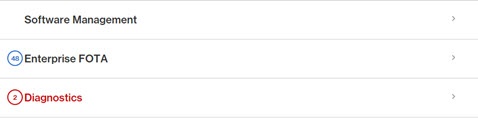
- ClickDiagnosticsto expand the section.
- From the expanded 'Diagnostics' view, click theEdit Licenses button(on the right).
- From the 'Schedule Run Diagnostic' screen, configure the following settings as needed:
- Start Date
- End Date
- Start Time
- Repeat (select desired days)Selected when a checkmark
is present.
- Run Type
- Schedule Run Diagnostics screen
- ClickSave.