Kyocera DuraXV LTE - Answer Options
Here's how to choose your answer options on your DuraXV LTE.
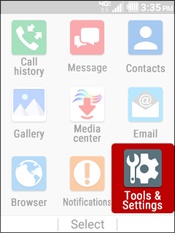
- From the main screen, selectMenu.Utilize the 5-way navigation pad to highlight and press the center button to select.
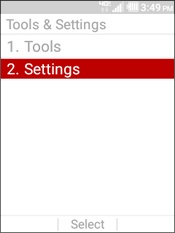
- SelectTools & Settings.
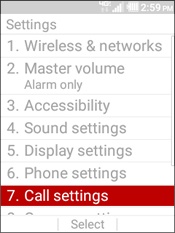
- SelectSettings.
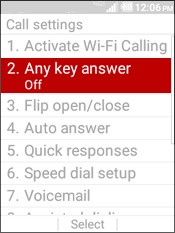
- SelectCall Settings.
- SelectAny key answer.
- Select an option then selectSet.
- On
- Off
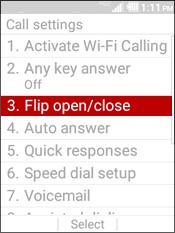
- SelectFlip open/close.
- Select an option:
- Open to answer Off
- Close to end On
- Highlight an option then selectSet.
- On
- Off
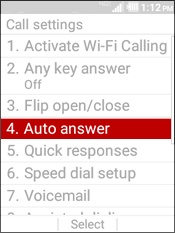
- SelectAuto answer.
- Select an option:
- Hands free Off
- Speakerphone Off
- Select an option then selectSet.
- Off
- 2 seconds
- 5 seconds
- 10 seconds