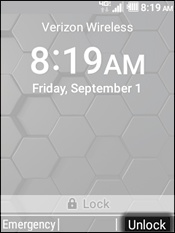
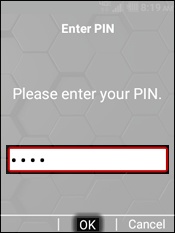
Kyocera DuraXV LTE - Unlock Screen
Here's how to unlock the screen on your DuraXV LTE.
- From the main screen, use theright soft keyto choose Unlock.
- Enter the code/password then selectOK.The default code is the last 4 digits of the mobile number or 1111.