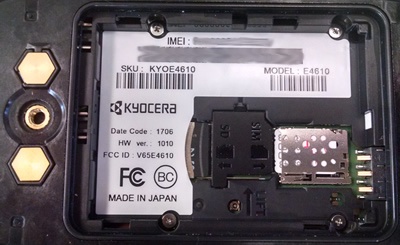
Kyocera DuraXV LTE - View Device ID
Here's how to find the device ID for your the DuraXV LTE.
View the Device ID in the Menu
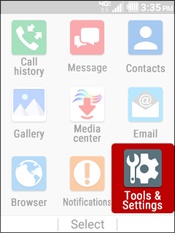
- From the main screen, selectMenu.Utilize the 5-way navigation pad to highlight and the center button to select.
- SelectTools and Settings.
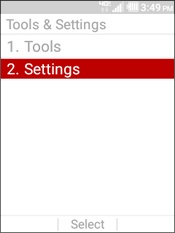
- SelectSettings.
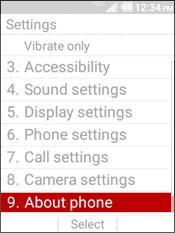
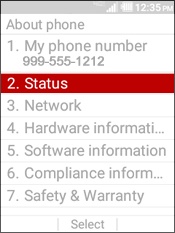
- SelectAbout Phone.
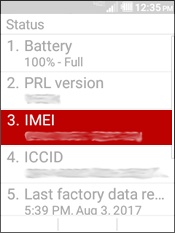
- SelectStatus.
- View the IMEI.
View the Device ID in the Battery Compartment
You can also remove the battery and view the IMEI inside the battery compartment.