Verizon LTE Internet and Home Phone - Change the Wi-Fi Password
Here's to change the password needed to connect to Wi-Fi on your LTE Internet and Home Phone.
If you want to change the password needed to connect to your LTE Internet and Home Phone's Wi-Fi network, view this info.
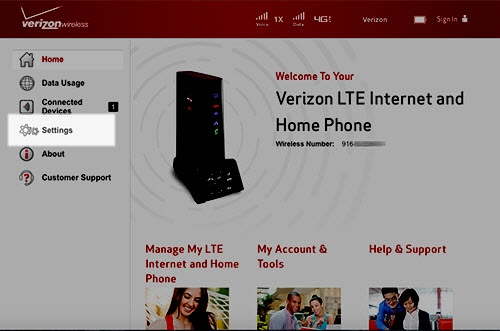
- Sign in to the Admin Web Interface.
- ClickSettings.
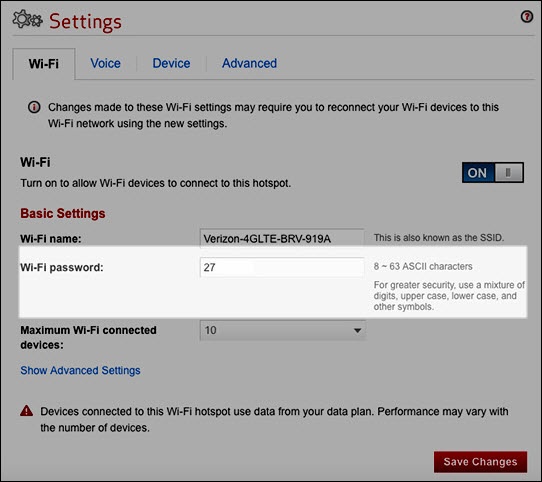
- From the 'Wi-Fi' tab, click theWi-Fi Password text entry box.
- Enter a new password.The password must be between 8-63 characters.For greater security, use a mixture of numbers, upper and lower case letters and symbols.
- Click theSave Changes button(lower-right).