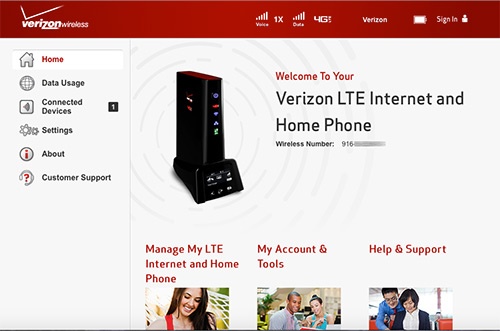
Verizon LTE Internet and Home Phone - Access Configuration Console
Here's how to sign in to your Verizon LTE Internet and Home Phone admin page to view/change settings.
The former name of this device is the Verizon 4G LTE Broadband Router with Voice.
- Ensure the computer is connected to the router using an Ethernet cable.A connection to the router via Wi-Fi may also be utilized. Ensure the wireless radio is enabled.
- From the computer, navigate to using your browser.
- The router homepage is displayed.
- If requested (after clicking an option), enter the admin password then clickSign In.eThe default Admin password is located on the Wi-Fi Name / Password screen at the bottom of the router.If necessary, refer to Restoring Factory Default Settings and/or Changing the Password.