Samsung Chromebook Plus - View, Open or Close Recently Used Apps
Here's how to open, view or close recently used apps on your Chromebook Plus.
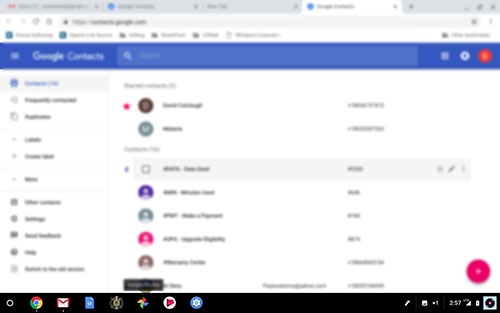
- Currently running apps are shown on the shelf with a dot beneath them.
- Apps without a dot are pinned to the shelf.
Do one of the following:
- To open a running app, tap or click it.
- To close a running app, press and hold it, then click or tapClose.