Verizon GizmoTablet™ - Add Child Profile
Here's how to add a child profile via the GizmoTablet app.
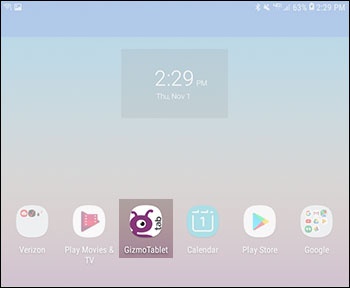
- From a Home screen, tap theGizmoTablet app.If unavailable, swipe up or down from the center of the display to access the apps screen then tap theGizmoTablet app.
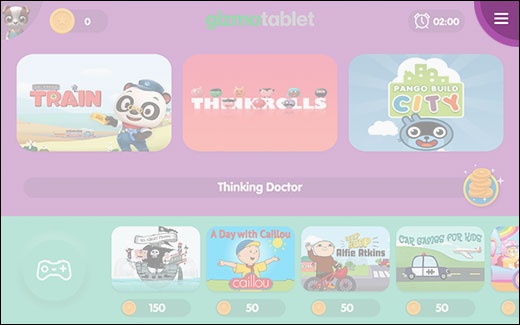
- From the Home screen, tap theMenu icon(located in the upper-right).
- Tap theParent iconthen enter your Parent PIN to access parent-only features.If the PIN is forgotten or you would like to change it, refer to Change or Retrieve Parent PIN.
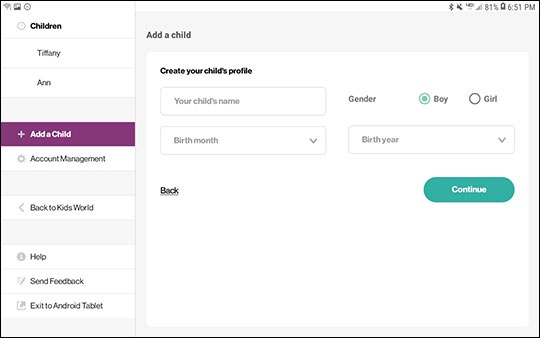
- From the left menu tapAdd a child; enter the child's name, gender, birth month and year then tapContinue.You can have 3 kid profiles per tablet.
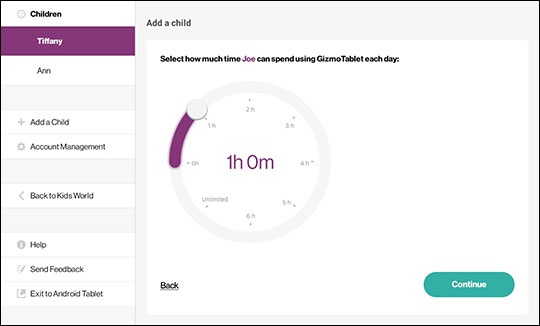
- Slide thewhite dotto set how many hours per day the tablet can be used then tapContinue.
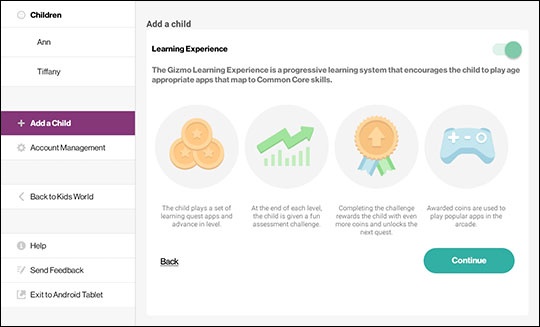
- Turn Learning Experience on
or off
using the switch (located in the upper-right) then tap
Continue. - Select a difficulty level by sliding the white dot to the prefferred setting then tapContinue.