5G MiFi® M1000 - Soft Reset
Here's how to soft reset your 5G MiFi M1000 if you can't browse the internet or your MiFi crashes, freezes or runs slow.
A soft reset is similar to restarting a computer and is one of the first steps when troubleshooting a device.
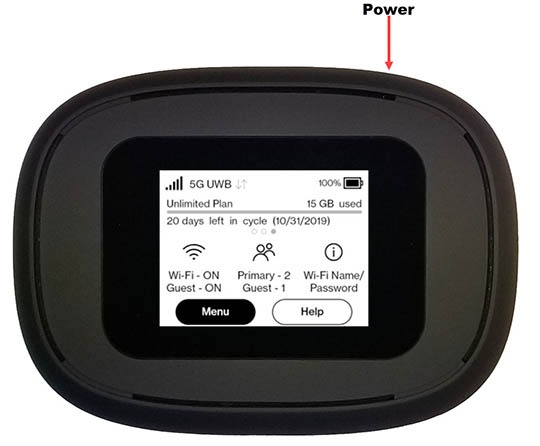
- Press and hold thePower buttonuntil the Power Off menu appears then release.If unable to power the device off, remove then re-insert the battery.
- From the 'Power Off' menu, selectRestartthen tapOK.'MiFi Restarting' appears on the display.
- If the device doesn't restart on its own, press and hold thePower buttonfor 3 seconds then release to power on.'MiFi' appears on the display when powering on.
You can also restart the device via the Admin Web Interface by navigating:
Settings
> Backup and Restore
> Restart
.