5G MiFi M1000 - View Software Version
Here's how to view the software version your 5G MiFi M1000 is running.
Check the Software Updates page to see if your device's most recent software version is listed.
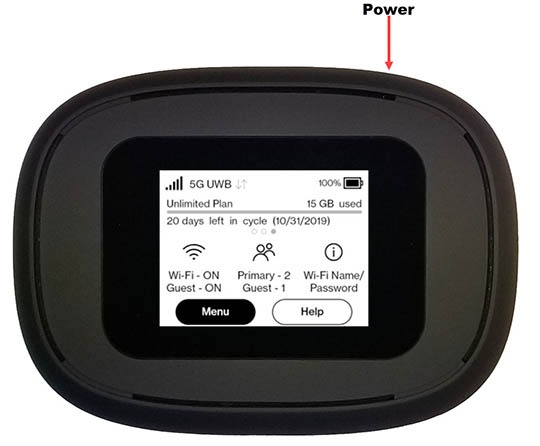
- From the Home screen, tapMenu(lower-left).If necessary, press thePower button(top-right edge) to turn on the display.
- TapSoftware Update.
- View the SW Version.To verify the device has the latest software version, refer to Update Firmware.
You can also locate the software version via the Admin Web Interface by navigating: then view the Jetpack version.