5G Home Router Edit Connected Device Nickname
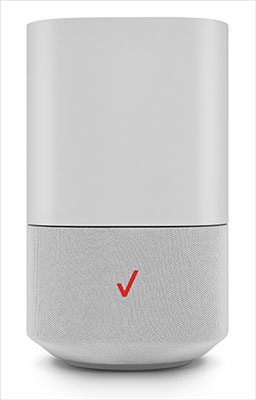
5G Home Router
Edit Connected Device NicknameKeep your home network organized by giving your devices custom nicknames. It makes managing your 5G Home Router much easier when you can tell exactly what's connected.
Before you begin
This content is for 5G Home Internet. Here's info on Fios Home Internet.
5G Home Internet service is currently offered in specific areas. Here's how to check for 5G coverage availability.
You can also edit a device name via the My Verizon app.
Steps
- Sign in to the Admin WebGUI.
- From the Router Home screen, clickConnected Devices.
- From Connected Devices, click theDropdown menuto the right of the appropriate device then click theEdit icon.
- Enter the device nickname then clickSave.