Inseego Business Phone Connect - Edit Access Point Names (APN)
Here's how to edit access point names on your Business Phone Connect.
Changing advanced settings may be harmful to the stability, performance, and security of the device. Contact your local IT admin prior to altering any of these settings.
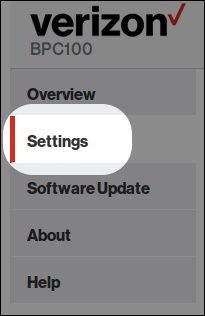
- Access the admin page then clickSettings(on the left menu).For assistance, refer to Access Admin Page.
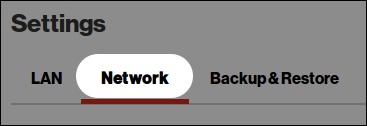
- From the top menu, clickNetwork.
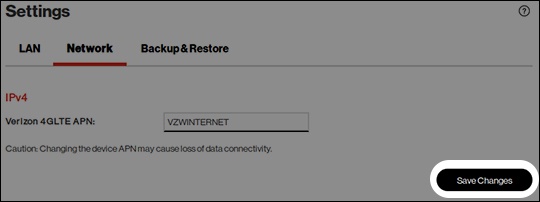
- Edit the Access Point Name (APN) field as desired then clickSave Changes.