Samsung Galaxy Watch3 - Answer a Call
Here's how to answer a call from your Galaxy Watch3.
From your Android™ or Apple® iPhone® , ensure your Galaxy Watch3 software is up to date as the steps below apply to the most recent version.
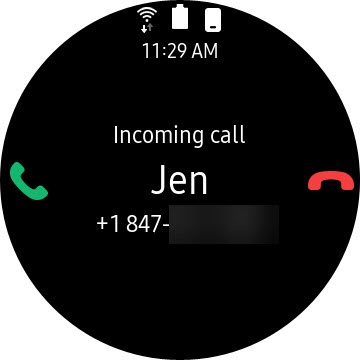
- Handle an incoming call with one of the following options:
- Touch and hold theAnswer icon
then swipe to the right to answer the call.
- Touch and hold theEnd Call icon
then swipe to the left to reject the call and send it to voicemail.
Volume is adjusted by tapping the  during a call then turning the bezel to the desired level.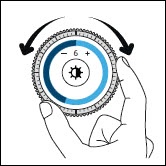
Volume icon
during a call then turning the bezel to the desired level.