Fossil Gen 5 LTE Smartwatch - Reset App
Here's how to reset your Fossil Gen 5 LTE when it crashes due to app usage.
Ensure the software on your Fossil Gen 5 LTE Smartwatch is up to date as the steps below apply to the most recent version.
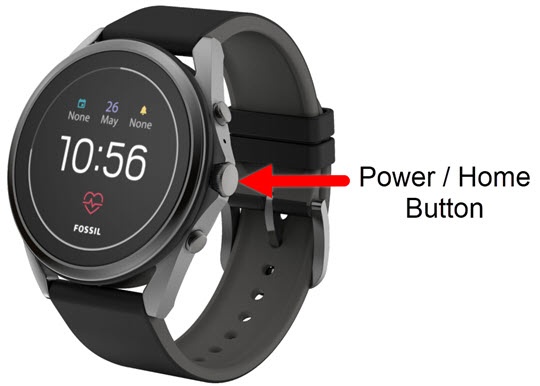
- From the watch screen, press thePower / Home buttonto open the apps screen.
- Tap theSettings icon.
- TapApps & notifications.
- TapApp info.
- Locate then select the appropriate app.If not listed, tapSystem Apps.
- TapApp info.
- TapClear data.This option may not be available for some apps.Resetting an app or clearing data storage may delete saved info within the app (e.g., files, settings, accounts, databases, etc.).
- From the 'Delete app data?' screen, read the disclaimer then tap the Done icon
to continueor the Cancel icon
to cancel.