Broadband Hotspot Management / Unified Endpoint Management - Assign User to Group - Verizon MDM (BuSS)
Here's how to assign users to Group for the Verizon MDM (BuSS).
- Verizon MDM content displayed and the ability to modify or update content may vary based on policy, role, or permissions.
- Due to a number of features that require HTML 5, Verizon MDM requires Internet Explorer version 10 and above to work efficiently.
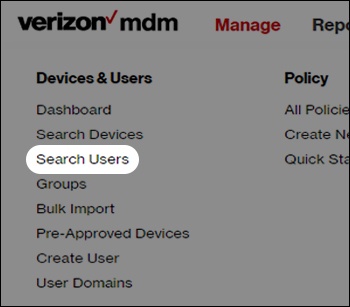
- From the Home screen, hover overManagethen clickSearch Usersfrom the dropdown menu.
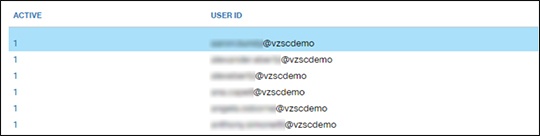
- From the Search Users menu, use the Filter options or find the appropriate user(s) in the list then select them by clicking the corresponding row(s).
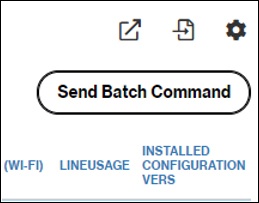
- After selecting the desired user(s), clickSend Batch Command(upper-right).
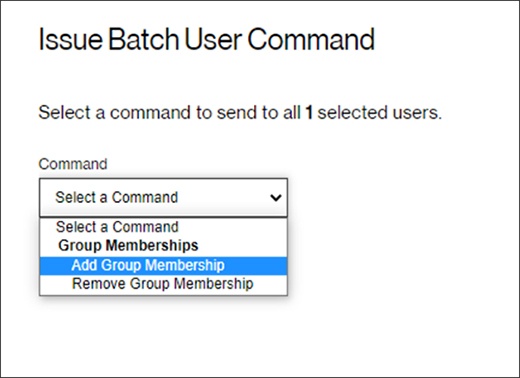
- SelectAdd Group Membershipfrom the dropdown menu then clickAuthenticate(lower-right).
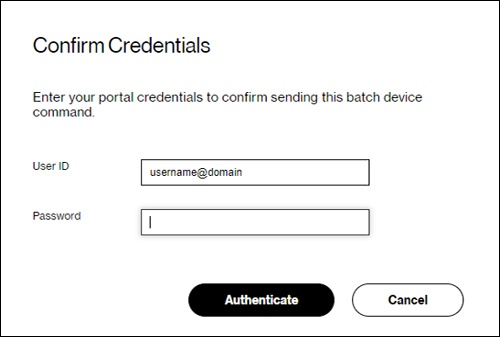
- Enter your admin credentials then clickAuthenticateto finish adding users.