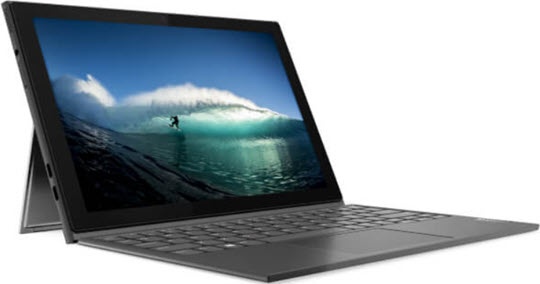
Lenovo IdeaPad Duet 3i - Connect Keyboard
Enhance productivity by connecting your IdeaPad Duet 3i with a keyboard for an ergonomic and lightweight experience.
- Connect the keyboard dock port at the bottom of the device to the connector on the keyboard cover.Make sure the keyboard is securely attached to the device. If not, check the location of the keyboard dock port and reconnect the keyboard cover to the device.
- Using both hands, open the kickstand on the bottom of the tablet.