Orbic Smart WRIST - Remove Gmail Account
Removing a Google™ (Gmail™) account from your Orbic Smart WRIST can be helpful when switching accounts, troubleshooting login or email sync issues, or ensuring your data stays private.
Ensure the software on your Orbic Smart WRIST is up to date as the steps below apply to the most recent version.
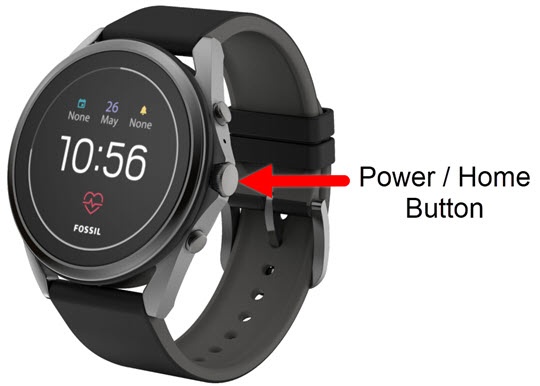
- From the watch screen, press thePower / Home buttonto open the apps screen.
- Open theSettings app.
- Navigate: .
- Tap the Gmail account you want to remove, then tapRemove account.
- From the 'Remove ...Gmail.com account from watch?' screen, tap theDone iconto confirm.To cancel, tap theCancel icon.