TCL FLIP Pro - View Software Version
Here's how to view the software version your FLIP Pro is running.
Check the Software Updates page to see if your device's most recent software version is listed.
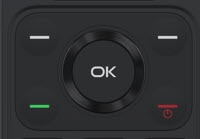
- From the main screen, press theOK button.Utilize the 5-way navigation pad to highlight and the OK button to select.
- SelectSettings.
- From the 'Device' tab selectDevice Information.
- View 'Software'.To verify the device has the latest software version, refer to Install Device Software Updates.