Wi-Fi Extender (E3200) View LED Status Indicators
Wi-Fi Extender (E3200)
View LED Status IndicatorsView this info for explanations of status LEDs on the Wi-Fi Extender E3200.
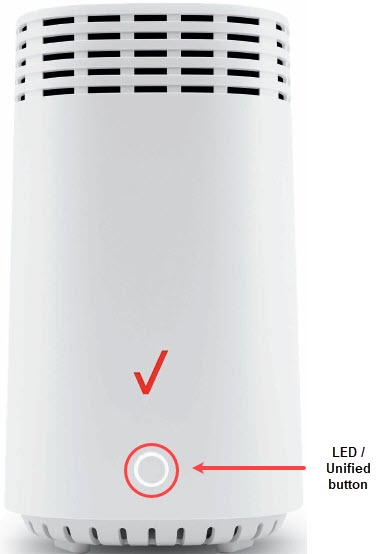
Function | Status | LED Pattern |
Normal | Normal operation | Solid White |
Wi-Fi Extender is Booting | Fast White Blink | |
Pairing mode | Slow Blink Blue | |
Pairing successful | Solid Blue | |
Wi-Fi disable by user | Solid Green | |
LTE coverage only/No Signal | Solid Red | |
Issue(s) | No Internet | Solid Yellow |
Extender is too far from the Router | Slow Blink Yellow | |
Extender is too close to the Router | Fast Blink Yellow | |
Other | Hardware/System failure detected | Solid Yellow |
Pairing Failure | Slow Blink Red | |
Overheating | Fast Blink Red |
If the status indicator is yellow, the Wi-Fi Extender either has no internet connection or is too close or far from the Router. See Set Up / Pair Device for info on proper setup.