Verify Verizon Data Service plan (Pay as you go) - Android™ Tablet
Pay as you Go Data Service Plan
Depending upon device model / software version, the images below may differ.
- From a home screen, select selectApplications/Apps.
- SelectSettings.
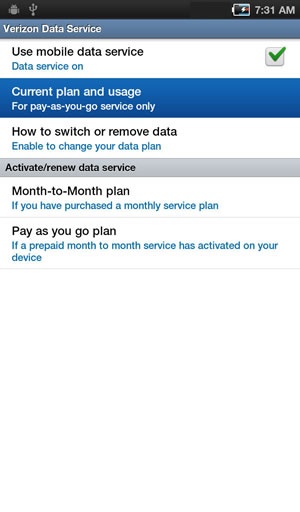
- SelectVerizon Data Service.
- SelectCurrent plan and usage.
- Wait while the device connects to the Mobile Broadband network.
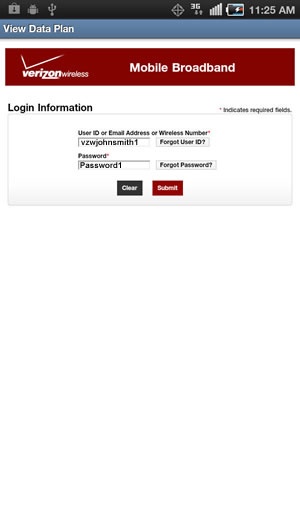
- If presented, enter the User ID, email address or wireless number associated with the account then selectSubmit.
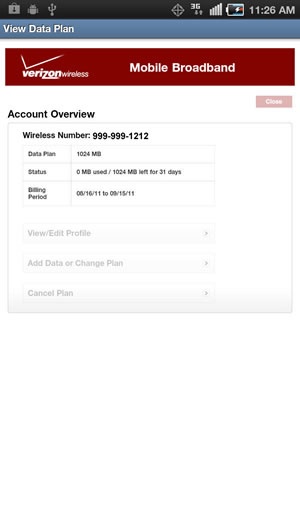
- Verify the current data plan and billing period.