Access Configuration Tool - Verizon 4G LTE Broadband Router
View this info for help with accessing the configuration tool for your LTE Broadband Router.
- Ensure the computer is connected to the router with the Ethernet cable supplied.A connection to the router via Wi-Fi may also be utilized. Ensure the wireless radio is enabled and configure Remote Management as necessary.
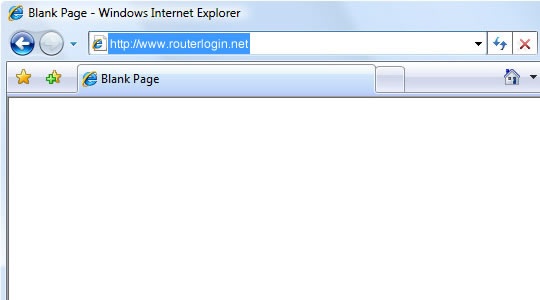
- From the computer, launch the Internet browser then navigate tohttp://192.168.0.1You must have an active connection to the router for this page to open.
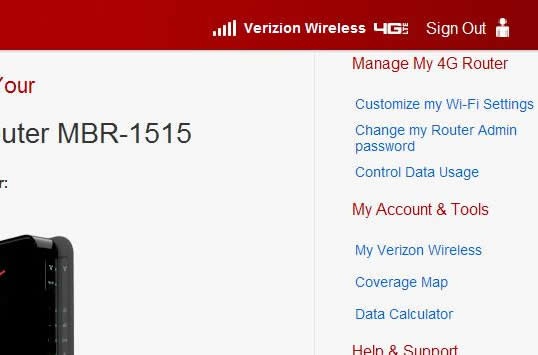
- The router homepage displays.
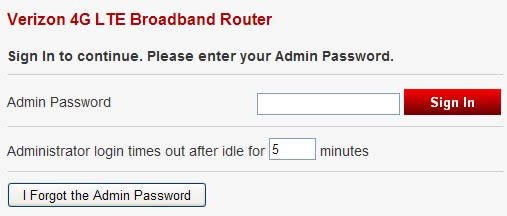
- If presented (after clicking an option), enter the admin password then clickSign In.The default admin password can be found on the product label on the back of the router.If needed, refer to Restoring Factory Default Settings and/or Changing the Password.