Factory Reset - Verizon 4G LTE Broadband Router
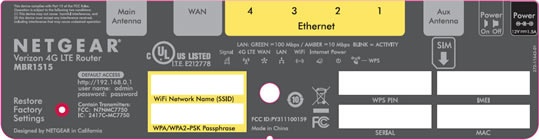
Here's how to factory / hard reset your LTE Broadband Router if the screen freezes or call, app, audio or sync issues occur.
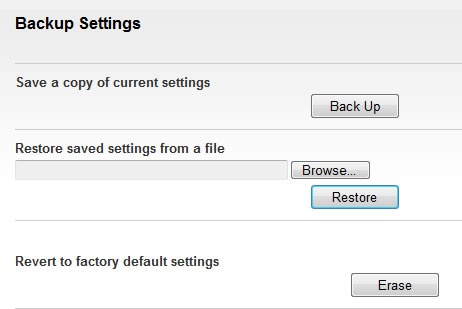
A reset to factory default deletes all changes made to the configuration and connected clients need to reconnect. It is advisable to perform a backup before performing a factory reset.
Internal
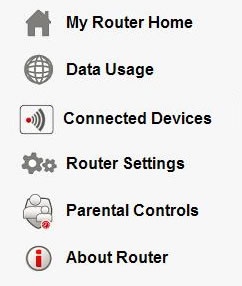
- Access the router configuration tool then clickRouter Settings(on the left).For assistance with accessing the router configuration page, refer to Accessing the Router Configuration.If prompted, enter the admin password.
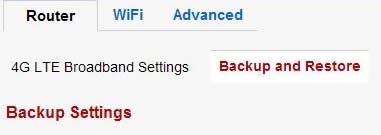
- From the Router tab, clickBackup and Restore.
- ClickErase.
- ClickYesto start the restore process.The process could take up to 2 minutes.
- If a backup was done prior to the reset, perform a restore if desired.