Wi-Fi Security Settings - Verizon 4G LTE Broadband Router
Here's how to manage your Wi-Fi settings for your 4G LTE Broadband Router.
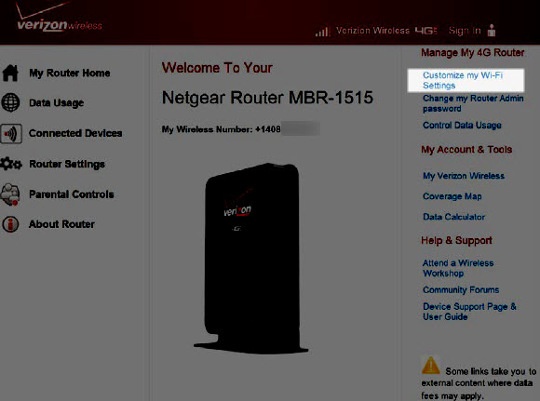
- Access the router configuration tool then clickCustomize my Wi-Fi Settings(upper-right corner).For assistance with accessing the router configuration page, refer to Accessing the Router Configuration.
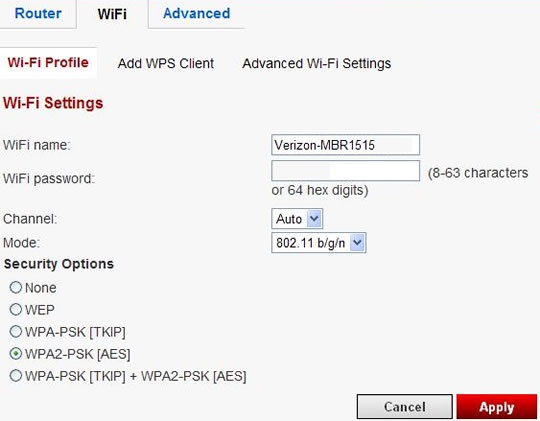
- From the Wi-Fi Profile tab, adjust as desired then clickApply.
- Wi-Fi Name
- Wi-Fi password
- Channel
- Mode
- Security Options
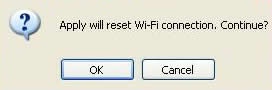
- ClickOKto restart the router.The restart process may take up to 2 minutes.