Configure Static Routes - Verizon 4G LTE Broadband Router
Here's how to configure static routes for your 4G LTE Broadband Router.
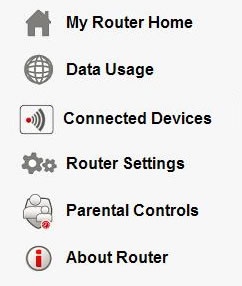
- Access the router configuration tool then clickRouter Settings(on the left).For assistance with accessing the router configuration page, refer to Accessing the Router Configuration.
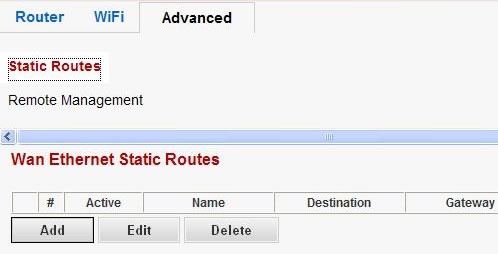
- From the Advanced tab, clickStatic Routesthen adjust as desired.
- To add a route, clickAddand enter the appropriate information then clickApply.
- To edit a route, select the route (from the list), clickEditand enter the appropriate information then clickApply.
- To delete a route, select the route (from the list) then clickDelete.