Configure DHCP - Verizon 4G LTE Internet and Home Phone
Here's how to configure a DHCP server on your Verizon 4G LTE Internet and Home Phone.
The former name of this device is the Verizon 4G LTE Broadband Router with Voice.
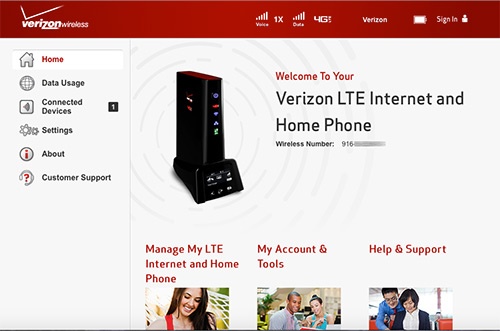
- Access the router configuration console then clickSettings(on the left).For assistance with accessing the router configuration page, refer to Accessing the Router Configuration.
- From the Advanced tab, clickContinue.
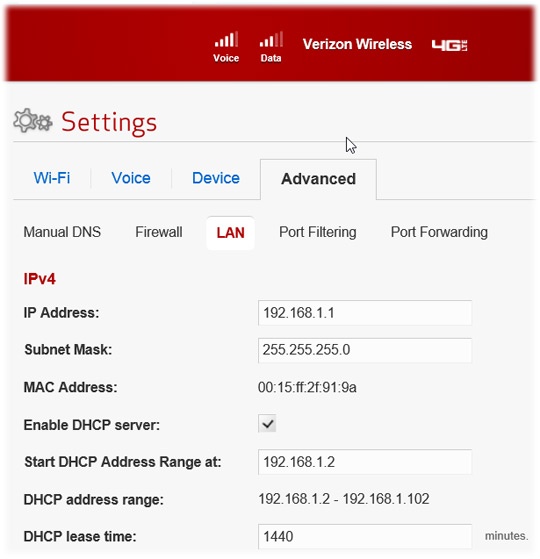
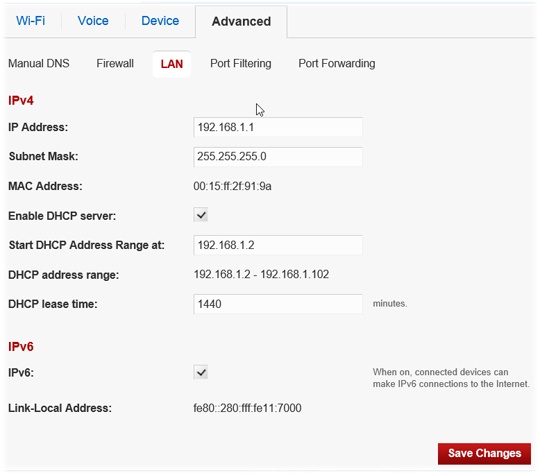
- ClickLAN.
- Ensure theEnable DHCP Server boxis checked and enter the necessary information then clickSave Changes(bottom of screen).