Verizon LTE Internet and Home Phone - View Data Usage
Here's how to view how much data your Verizon LTE Internet and Home Phone has used.
If you receive an error message or inaccurate info when trying to view data usage using these steps, update software. Alternatively, log into My Verizon for the most up-to-date data usage info.
The former name of this device is the Verizon 4G LTE Broadband Router with Voice.
View Usage via Device
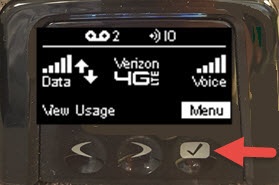
- Tap theselect buttonon the home screen.
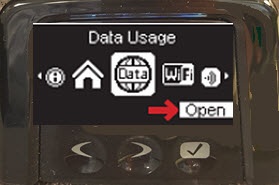
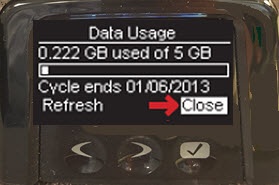
- Using the left and right arrow buttons, scroll to the Data Usage icon then tap theselect buttonto open and view the data usage.It may take a few seconds to retrieve the requested info.
- Once you have viewed the usage, tap theselect buttonto close.
View Usage via Admin page
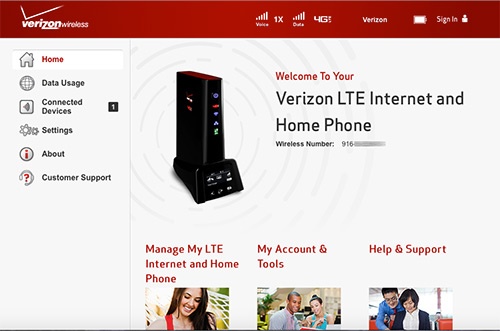
- Access the router configuration console then clickData Usage(on the left).For assistance with accessing the router configuration page, refer to Accessing the Router Configuration.
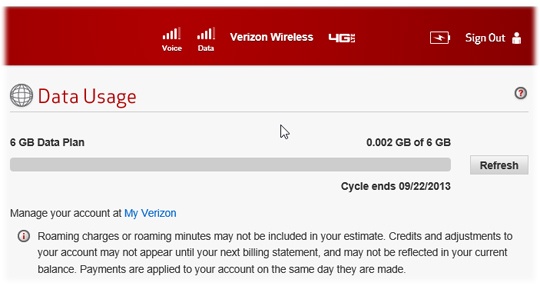
- View Data Usage for the Verizon LTE Internet and Home Phone. ClickRefreshto update usage amount.