Push to Talk Plus - Delete a Contact
Here's how to delete a Push to Talk Plus contact.
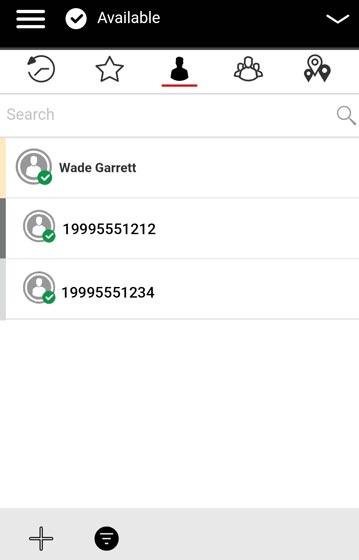
- Open thePush To Talk+
app.
- From the Contacts tab, tap and hold the appropriate contact then tapDelete Contact.
- From the Confirm prompt, tapYes.