Push to Talk Plus - Place or Receive Individual Call
Here's how to place or receive individual calls using Push to Talk Plus.
Place Calls
- Open thePush To Talk+
app.
- From the Contacts tab, tap the appropriate contact.
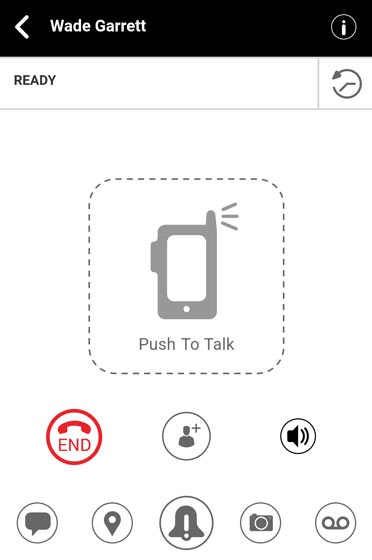
- From the Ready screen, touch and hold thePTT icon
then wait for the chirp tone (call is connected).
The PTT icon turns red, indicating your voice can be heard by the other call participants. - Release the PTT icon
- To end the call, tapEnd
.
Receive Calls
- If a PTT+ call comes in while on another call, a Missed Call alert appears. The missed PTT+ call can be returned directly from the alert by tappingReply.
- If a regular phone call comes in while on a PTT+ call, you can answer that call and put the PTT+ call on hold.