Push To Talk Plus - Send a Text Message
Here's how to send a Push To Talk Plus text message.
Send a Message
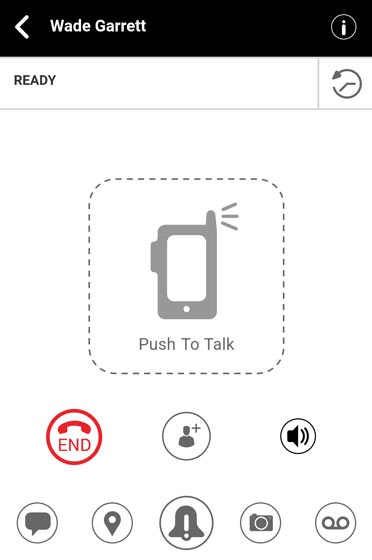
- From the Ready screen, tap theMessage icon
.
Alternatively, tap theHistory icon.
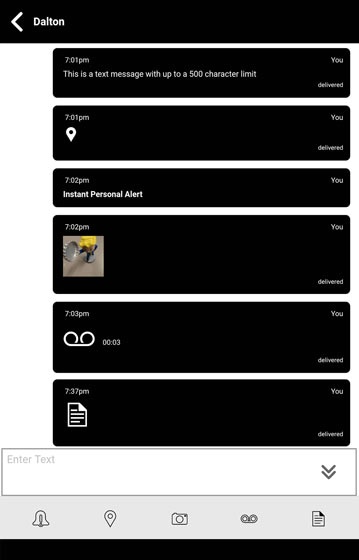
- From the Enter text field, enter your message.
- Tap theSend icon
.
Send a Quick Text
- From the Ready screen, tap theMessage iconAlternatively, tap theHistory icon
- From the Enter text field, tap theQuick message icon
.
. - From Select Quick Text, tap the appropriate Quick text message then tap theSend iconAlternatively, tapAdd Quick Text, enter a predefined message then tap theSave icon
to confirm and
Doneto exit edit mode.